PC Expert Services, Computer and laptop repair in Irvine, Orange County, CA
Reliable HP Laptop Repair Services: What You Need to Know

Reliable HP Laptop Repair Services: What You Need to Know

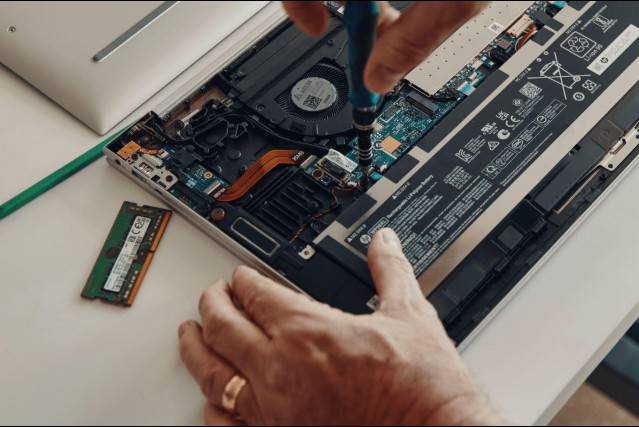
In today’s fast-paced digital world, laptops are essential for both personal and professional use. HP laptops, known for their performance and reliability, are widely used across homes and businesses. However, like any electronic device, they are not immune to issues over time. When problems arise, having access to dependable HP laptop repair services becomes crucial.

Common HP Laptop Issues

HP laptops can experience a variety of hardware and software problems. Some of the most common issues include:

  • Slow Performance: Often caused by insufficient memory, outdated software, or malware.
  • Battery Problems: Reduced battery life or failure to charge properly.
  • Overheating: Dust buildup, faulty fans, or thermal paste issues can lead to overheating.
  • Screen Damage: Cracked screens, flickering displays, or dead pixels.
  • Keyboard Malfunctions: Unresponsive or stuck keys.
  • Boot Errors: System not starting due to corrupted files or hardware failure.

Identifying these issues early can prevent more serious damage and costly repairs.

Professional Repair Services Matter

While some minor issues can be resolved at home, professional repair services provide a level of expertise and reliability that DIY solutions cannot match. Certified technicians have the tools and experience to diagnose problems accurately and perform repairs efficiently.

Benefits of Professional HP Laptop Repair

  • Accurate Diagnostics: Proper identification of root causes.
  • Quality Parts: Use of genuine or high-quality replacement components.
  • Time Efficiency: Faster turnaround compared to trial-and-error fixes.
  • Data Protection: Safe handling of your files and sensitive information.
  • Warranty Support: Many services offer warranties on repairs.

Types of HP Laptop Repairs Offered

A full-service repair center typically handles a wide range of issues, including:

1. Hardware Repairs

  • Screen replacement
  • Battery replacement
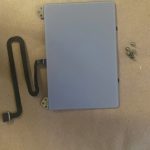
  • Keyboard and touchpad repair
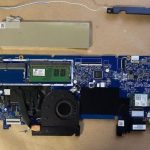
  • Motherboard diagnostics and repair
  • Charging port fixes

2. Software Solutions

  • Operating system installation and upgrades
  • Virus and malware removal
  • Data recovery and backup solutions
  • Driver updates and system optimization

3. Preventive Maintenance

Regular maintenance can extend the life of your HP laptop. Services may include internal cleaning, thermal paste replacement, and system performance checks.

Choosing the Right Repair Service

When selecting an HP laptop repair provider, consider the following factors:

  • Experience and Reputation: Look for reviews and years of service in the industry.
  • Transparency: Clear pricing and detailed repair estimates.
  • Turnaround Time: Quick service without compromising quality.
  • Customer Support: Responsive communication and updates on repair status.

Local repair shops often provide more personalized service, while larger service centers may offer broader resources.

Why Timely Repairs Are Important

Delaying laptop repairs can lead to more serious issues. For example, a minor overheating problem can damage internal components if not addressed promptly. Similarly, ignoring software issues may result in data loss or security risks.

Timely repairs not only save money but also ensure that your device continues to perform at its best.

Serving Irvine and Nearby Areas

We proudly serve customers in:

If you’re looking for HP laptop repair near you, PC Expert Services is your trusted local solution.

Final Thoughts

HP laptops are reliable machines, but occasional issues are inevitable. Whether it’s a cracked screen, slow performance, or a failing battery, professional repair services can restore your device quickly and efficiently.

Investing in expert repair and regular maintenance will help you get the most out of your HP laptop while minimizing downtime and unexpected costs.

If your HP laptop is showing signs of trouble, don’t wait—seek professional repair services and get back to productivity with confidence.
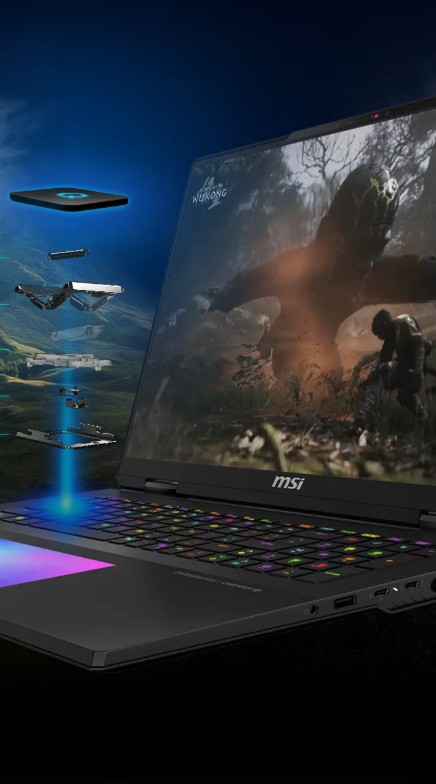
Top-Tier MSI Gaming Laptop Repair in Irvine – PC Expert Services

Top-Tier MSI Gaming Laptop Repair in Irvine – PC Expert Services

Top-Tier MSI Gaming Laptop Repair in Irvine – PC Expert Services

Top-Tier MSI Gaming Laptop Repair in Irvine – PC Expert Services

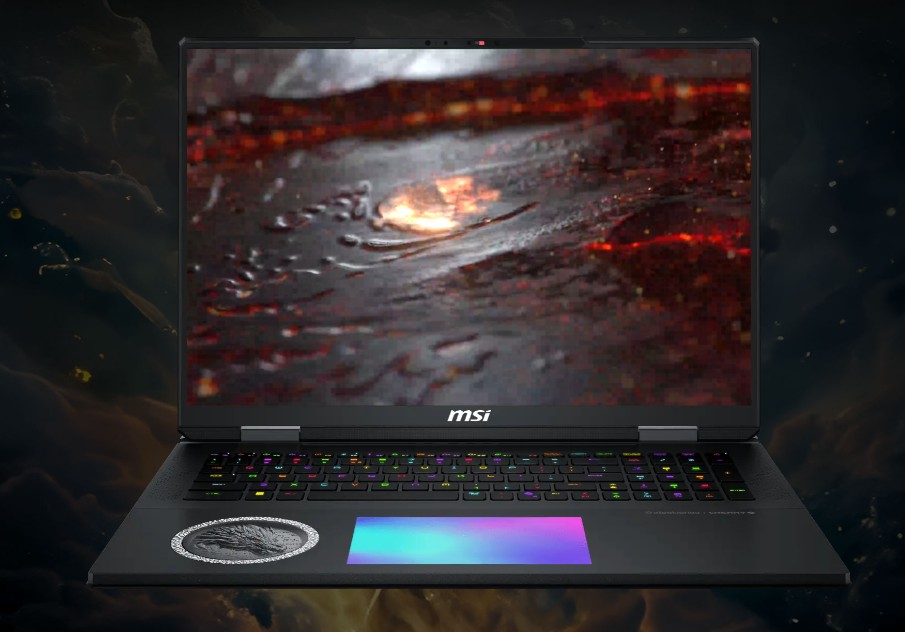
Is your MSI gaming laptop running slow, overheating, or refusing to boot? At PC Expert Services in Irvine, we specialize in expert MSI laptop repair for models like GE, GP, GS, and GL series. From hardware issues to software glitches, our certified technicians know how to get you back in the game—fast.

Whether it’s a cracked screen, dead battery, fan noise, or performance lag, we use genuine parts and precision diagnostics to ensure your MSI system is fully restored.

Why Choose PC Expert Services?
✔ MSI Gaming Laptop Specialists
✔ Fast, Local Repairs in Irvine
✔ Certified Technicians
✔ Honest Diagnostics & Estimates
✔ Quality Work with Genuine Parts

🎮 Ready to get started?
Submit your device using our simple Drop-Off Form and let us take it from there.

ASUS Gaming Laptop Repair in Irvine – Get Back in the Game Fast

ASUS Gaming Laptop Repair in Irvine – Get Back in the Game Fast

ASUS Gaming Laptop Repair in Irvine – Get Back in the Game Fast

ASUS Gaming Laptop Repair in Irvine – Get Back in the Game Fast

Is your ASUS ROG or TUF gaming laptop acting up? Whether it’s crashing during gameplay, overheating, or showing signs of wear and tear, we’ve got you covered right here in Irvine.

Our local ASUS Gaming Laptop Repair experts specialize in fast, reliable service for all ASUS gaming models. From screen replacements and keyboard issues to Fan repairs and thermal cleaning, we handle it all using genuine ASUS parts and advanced diagnostic tools.

Why Irvine Gamers Trust Us:

  • 🎮 ASUS ROG & TUF Specialists

  • 🔧 Certified Technicians in Irvine

  • 💨 Fast Turnaround Times

  • 🧩 Only Genuine ASUS Parts

  • 📍 Conveniently Located in the Heart of Irvine

Don’t let laptop problems slow down your game. submit your repair online—and let our Irvine team bring your ASUS gaming laptop back to peak performance.

Laptop Hinge Repair: What You Need to Know

Laptop Hinge Repair: What You Need to Know

Laptop Hinge Repair: What You Need to Know

A cracked or loose laptop hinge might seem like a minor issue, but if ignored, it can lead to serious damage—both to the screen and the internal components. Whether you’re a DIY enthusiast or someone considering professional repair, this guide will walk you through everything you need to know about laptop hinge issues and how to fix them.
Laptop Hinge repair at PC Expert Services in Irvine

Why Laptop Hinges Break

Laptop hinges are subjected to daily wear and tear, especially if you’re constantly opening and closing the lid. Common causes of hinge damage include:

  • Poor build quality – especially in older or budget models

  • Overtightened screws – causing excess pressure

  • Drops or impacts

  • Using one hand to open/close the lid unevenly

  • Dust buildup or corrosion

Signs of a Broken Laptop Hinge

You might not notice hinge damage at first, but here are some tell-tale signs:

  • The screen wobbles or doesn’t stay in place

  • A cracking or popping sound when opening/closing the lid

  • Visible gaps or misalignment near the hinge area

  • Stiff movement or resistance when opening the laptop

  • The screen separates from the base

DIY vs Professional Repair: What’s Best?

DIY Repair

If you’re comfortable opening up your laptop, you can attempt a hinge repair at home. Here’s a basic outline of the process:

Tools you’ll need:

  • Small screwdriver set (usually Phillips head)

  • Plastic pry tools

  • Replacement hinges (model-specific)

  • Super glue or epoxy (optional, for cracked plastic)

  • Tweezers or small pliers

Steps:

  1. Power off and unplug the laptop. Remove the battery if possible.
  2. Open the back panel to access internal screws.
  3. Carefully remove the screen bezel and locate the damaged hinge.
  4. Replace or reinforce the hinge using new parts or strong adhesive.
  5. Reassemble everything in reverse order.

🔧 Pro Tip: Always work on a static-free surface and keep track of screws by grouping them based on location.

Professional Repair

If your laptop is still under warranty, avoid DIY fixes—tampering can void it. A professional technician can often:

  • Replace hinges more precisely

  • Repair cracked casing

  • Realign and secure display and base

  • Offer warranty or guarantees for the repair

How to Prevent Future Hinge Issues

  • Always open/close your laptop with both hands, from the center of the lid

  • Avoid overextending the screen

  • Keep the laptop on a stable surface

  • Clean dust buildup around the hinge area regularly

  • Don’t carry your laptop by the screen

Conclusion

A broken laptop hinge isn’t just a cosmetic issue—it can compromise the usability and safety of your device. Whether you choose the DIY route or visit a repair shop, it’s best to fix it sooner rather than later to avoid more costly damage.

Need help with a hinge repair? Contact us or drop your laptop at our dropoff location in Irvine for a free estimate!

Laptop Repair in Foothill Ranch, CA

Laptop Repair in Foothill Ranch, CA

Welcome to PC Expert Services in Foothill Ranch

PC Expert Services Foothill Ranch Computer Repair Services

Professional Computer and Laptop Repair Services in Foothill Ranch

Computer Repair Made Simple

It’s easy to repair computers with PC Expert Services.

l

Submit Form

Dropoff Device

Approve Estimate

Complete Payment

N

Pickup Device

Laptop Repair Service


Any Brand & Model

Quick Turn-around

Microsoft Certified

A+ Certified Technician


Laptop Repair Services

  • Laptop Hinge Repair
  • Laptop CPU Repair
  • Laptop Motherboard Repair
  • Laptop Speaker Repair
  • Laptop Battery Replacement
  • Laptop  Camera Repair
  • Laptop SSD Upgrade
  • Laptop Windows OS Upgrade
  • Laptop Windows OS Repair
  • Laptop Data Recovery
  • Laptop LCD Screen Repair
  • Laptop Keyboard Repair
  • Laptop GPU Repair
  • Laptop Power Button Repair
  • Laptop TouchPad Repair
  • Laptop Noise Repair
  • Laptop Overheating Repair
  • Laptop BSOD Repair
  • Laptop Liquid Spill Repair
  • Laptop Touch Screen Replacement